React Native Analytics
in 1 Line of Code
Vexo is the first analytics platform built specifically for React Native. Get session replays, heatmaps, and automatic event tracking without writing tracking code for every interaction.
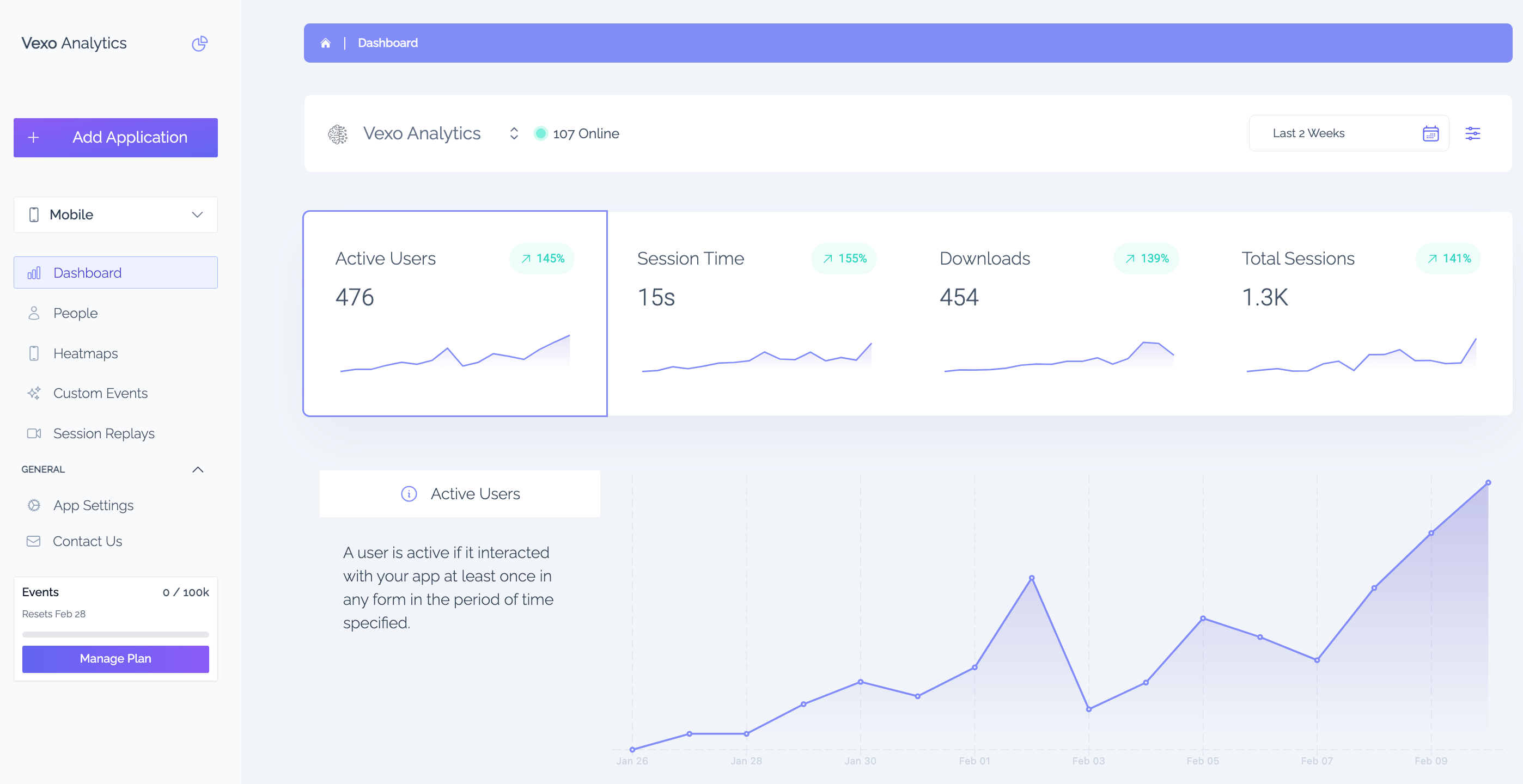
Add React Native Analytics in Seconds
Unlike other analytics tools that require dozens of lines of configuration, Vexo starts tracking automatically with just 1 line of code.
1. Install the package
npm install vexo-analytics2. Add to your app entry point
import { vexo } from 'vexo-analytics';vexo('YOUR_API_KEY');// That's it. Analytics starts automatically.Compare: Other analytics SDKs require 50+ lines of setup code, manual event tracking, and complex configuration. Vexo works out of the box.
Everything You Need for React Native Analytics
From automatic event tracking to visual debugging tools, Vexo provides comprehensive analytics built for React Native developers.
Automatic Event Tracking
Track app opens, screen views, taps, navigation, API calls, and errors automatically. Zero configuration required.
Learn moreSession Replays
Watch real user sessions to understand behavior and debug issues. Production-ready at ~200KB/min.
Learn moreTap Heatmaps
Visualize where users tap with pixel-accurate heatmaps. Compare across app versions.
Learn moreCustom Events
Track business-specific metrics with contextual enrichment. Measure what matters to your app.
Learn moreUser Profiles
Unified cross-platform user timelines. See complete user journeys across sessions.
Learn moreConversion Funnels
Analyze conversion paths and identify drop-off points. Optimize user flows with data.
Learn moreReal-time Dashboard
Live active users, sessions, and geographic distribution. See your app performance instantly.
Learn moreExpo Support
Full compatibility with Expo Development Builds. Works seamlessly with your Expo workflow.
Learn moreBuilt for React Native Teams
Whether you're debugging issues, validating product decisions, or optimizing growth, Vexo gives you the insights you need.
Debug Production Issues
Find and fix bugs with session replay context. See exactly what users experienced before reporting an issue.
Validate Product Decisions
Understand feature adoption and user flows. Make data-driven decisions about your product roadmap.
Optimize Growth
Track funnels, retention, and conversion rates. Identify and fix drop-off points in your user journey.
Cross-Platform Insights
Unified analytics for React Native mobile and web. One dashboard for your entire product.
Why Choose Vexo for React Native Analytics
See how Vexo compares to other analytics platforms for React Native apps.
| Feature | Vexo | Amplitude | Mixpanel | Firebase |
|---|---|---|---|---|
| React Native First | ||||
| 1-Line Setup | ||||
| Session Replays | ||||
| Tap Heatmaps | ||||
| Automatic Event Tracking | ||||
| Free Tier | 100k events | Limited | Limited | Yes |
| Flat Pricing | ||||
| Expo Support |
Works With Your Stack
Seamless integration with your existing React Native workflow.
Subscription Plans
Pricing that fits your needs
Try it out
For small apps or development phase
Free
- Up to 500K/mo events
- 1,000 session replays included
- Session replays & heatmaps included
- 2 free seats
Premium
Perfect option for your next project.
$0
- Up to 500K events
- 1,000 session replays included, then $3 per 1,000
- Unlimited heatmaps
- 2 seats included
- Full access to all features
Enterprise
Perfect option for apps with high user base.
Contact Us
- Up to 1+ Billion events
- 1,000 session replays included, then $3 per 1,000
- Unlimited heatmaps
- 10 seats included
- Full access to all features
- Onboarding and customer success
- Custom configuration
Data retention
We keep your sessions, replays & events for 60 days on the free plan and 24 months on paid plans. Aggregated metrics are kept even longer. Need more history? Extend retention to 3, 4 or 5 years with the extended-retention add-on (from 1 November 2026).
Frequently Asked Questions About React Native Analytics
Everything you need to know about adding analytics to your React Native app.
- What is React Native Analytics?
- React Native Analytics refers to tools and SDKs that help developers track user behavior, app performance, and engagement metrics in React Native mobile applications. Vexo is the first analytics platform built specifically for React Native, offering automatic event tracking, session replays, heatmaps, and custom dashboards with just 1 line of code integration.
- How do I add analytics to a React Native app?
- Adding analytics to a React Native app with Vexo requires only 1 line of code: First, install the package with `npm install vexo-analytics`. Then, import and initialize Vexo in your app entry point: `import { vexo } from "vexo-analytics"; vexo("YOUR_API_KEY");`. That's it - Vexo automatically starts tracking screen views, taps, navigation, errors, and more without any additional configuration.
- Does Vexo work with Expo?
- Yes, Vexo fully supports Expo with Development Builds. Simply install vexo-analytics, add the initialization code, and create a development build using `expo prebuild` or EAS Build. Note that Expo Go is not supported due to its limitations with native modules, but all Expo Development Builds work seamlessly with Vexo.
- What is the difference between Vexo and Firebase Analytics for React Native?
- Unlike Firebase Analytics which requires extensive configuration and manual event tracking, Vexo provides automatic out-of-the-box tracking for React Native apps. Vexo offers session replays and heatmaps that Firebase lacks, has simpler flat-rate pricing vs Firebase's usage-based model, and was built specifically for React Native rather than being a general-purpose tool adapted for mobile.
- How much does React Native analytics cost?
- Vexo offers a free tier with 100,000 events per month, 100 session replays, and 2,000 heatmaps - perfect for development and small apps. Premium plans start at $8/month for 250,000 events and scale up to enterprise plans for apps with billions of events. All plans include unlimited heatmaps and full feature access.
- Can I see session recordings in React Native?
- Yes, Vexo provides production-ready session replays for React Native apps. Each recording uses approximately 200KB per minute and includes options for WiFi-only upload and privacy blur. You can watch exactly how users interact with your app, identify UX issues, and debug problems by seeing the actual user experience.
- Is Vexo GDPR compliant?
- Yes, Vexo is designed with privacy in mind. We do not store personally identifiable information (PII) by default. Session replays include automatic privacy blur capabilities, and you have full control over what data is collected. Users can delete their app and all associated data at any time, and we never sell your data.
- What events does Vexo track automatically?
- Vexo automatically tracks: app lifecycle events (opened, closed, backgrounded), screen navigation changes, tap interactions, typing start/finish events, device orientation changes, API/fetch requests, and errors/exceptions. All events are automatically enriched with screen name, device info, app version, and location data.
Can't find the answer you're looking for? Contact our team or join our Discord
Start Understanding Your React Native Users Today
Join thousands of React Native developers using Vexo to build better apps. Free forever for small apps.
No credit card required. Set up in under 2 minutes.
Learn More About React Native Analytics
Session Replays for React Native Apps
Learn how session replays help you debug issues and understand user behavior.
BlogReact Native Analytics for Expo
Complete guide to setting up analytics in your Expo project.
DocumentationReact Native Guide
Complete documentation for integrating Vexo in your React Native app.