Session Replays
for Mobile & Web Apps
Video recordings of real user sessions. Capture every tap, scroll, and navigation in your React Native or web app.
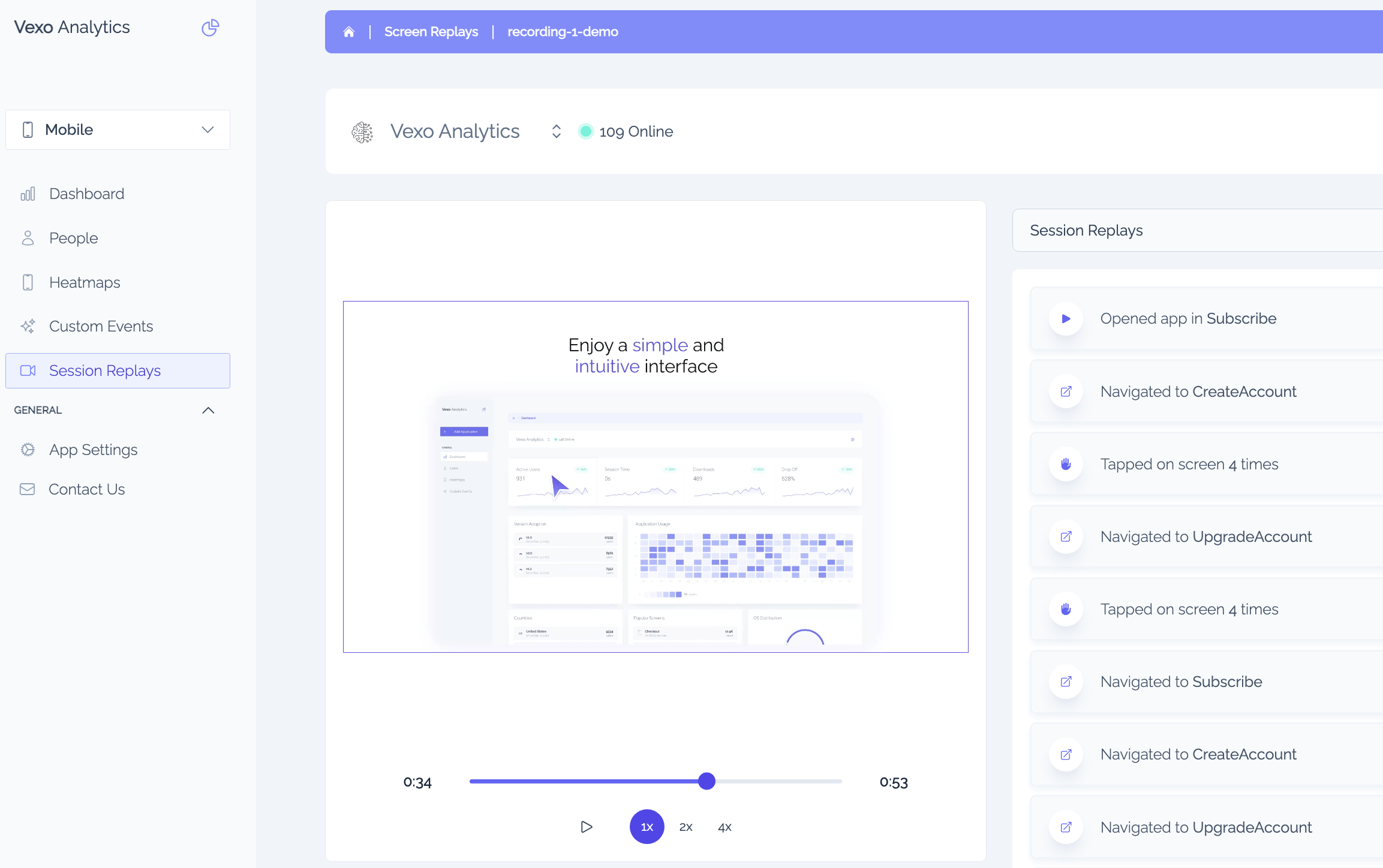
Analyze user sessions
Session replays show you exactly how users interact with your app.
- Watch session replays to identify user pain points and friction.
- See where users drop off, get confused, or get blocked.
- Filter session replays by custom events to find specific user flows.
- Search session replays by user email to find sessions from specific users.
- Jump from funnels to session replays for deeper analysis (coming soon).
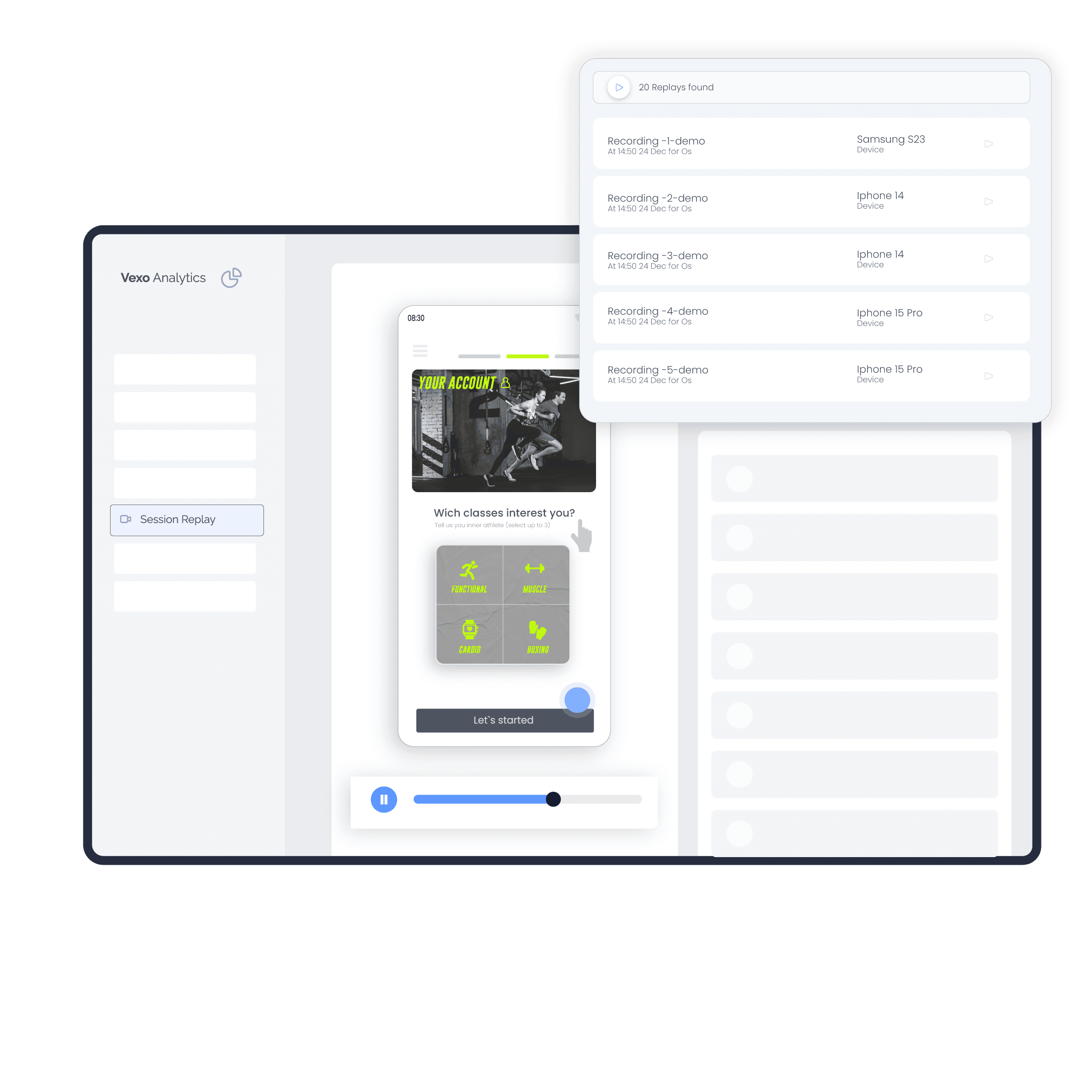
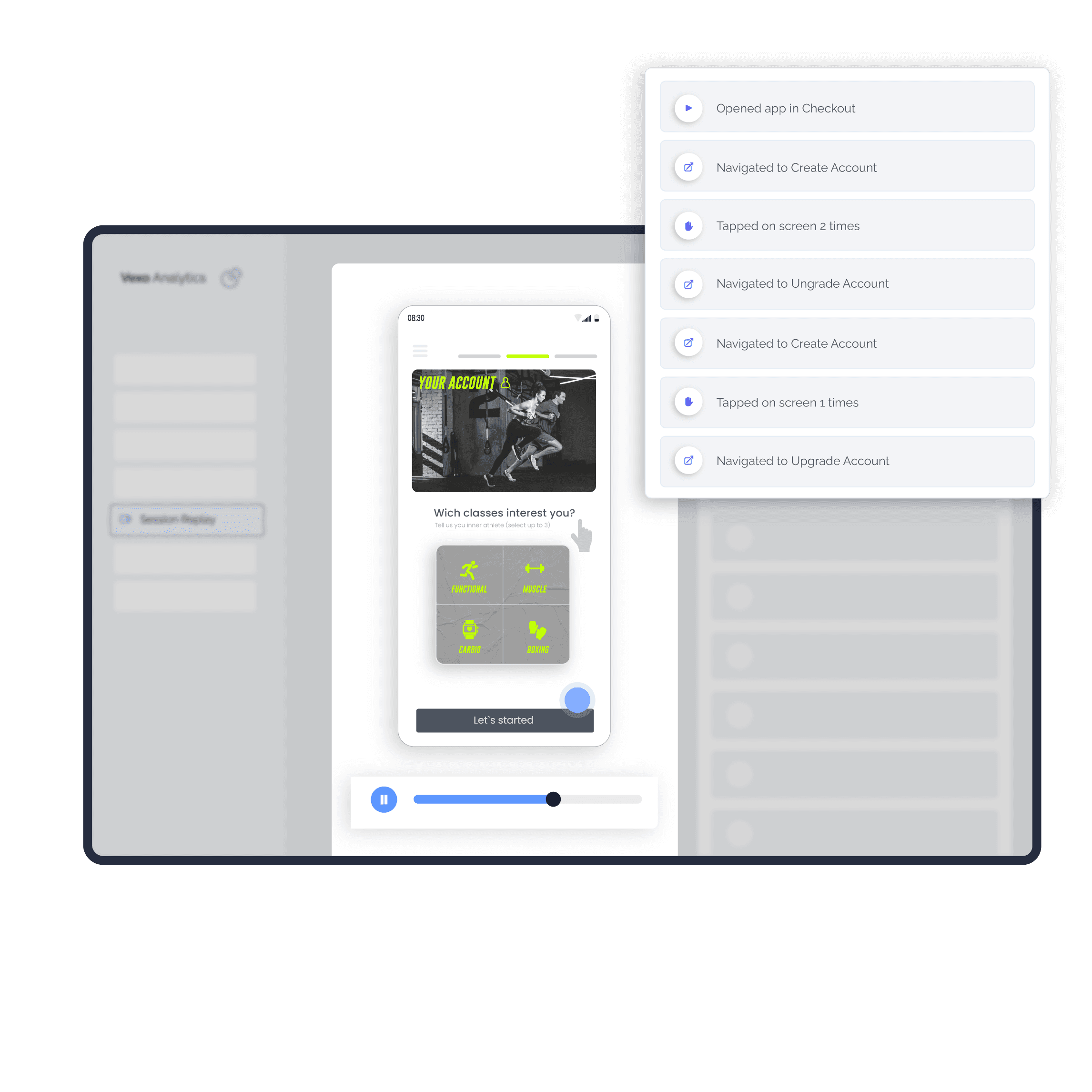
Watch session replays efficiently
Powerful playback controls to review session replays quickly.
- Automatically capture session replays to see real user reactions.
- Variable playback speeds: Watch session replays at 1x, 2x, or 4x speed.
- Keyboard shortcuts: Space to play/pause, arrows to skip through session replays.
- Event timeline: Visual markers show key interactions in each session replay.
- Skip inactive periods automatically for efficient session replay review.
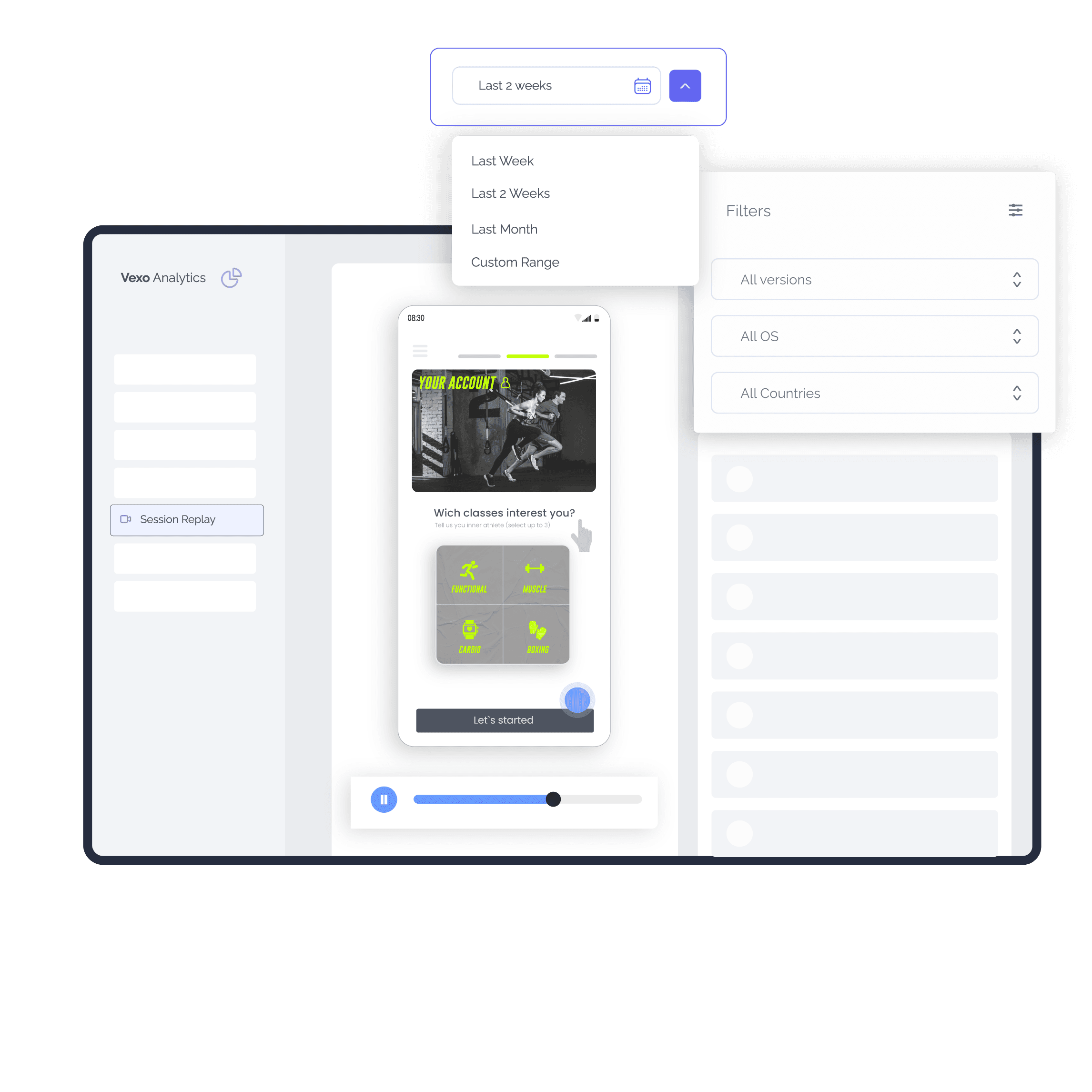
Find the session replays that matter
Powerful filters to locate the exact session replays you need.
- Filter by Custom Events: Find session replays with specific actions.
- Filter by User Identity: Search session replays by email or user ID.
- Filter by Date: Find session replays from specific time periods.
- Filter by Location: Track regional behavior with location-filtered session replays.
- Filter by Device/OS: Find session replays from specific devices.
Powerful Session Replay Features
Everything you need to understand user behavior and debug issues faster.
Watch Real User Sessions
See exactly what users see. Watch their taps, scrolls, and navigation to identify pain points and friction.
Learn moreFilter by Custom Events
Find session replays with specific actions. Jump to the exact moment users triggered a purchase, signup, or error.
Learn moreSearch by User Identity
Find session replays by email or user ID. Investigate specific user issues instantly without digging through logs.
Learn morePrivacy-First Design
Automatic input masking and privacy blur. WiFi-only uploads available. Stay GDPR compliant by default.
Learn moreVariable Playback Speeds
Watch at 1x, 2x, or 4x speed. Keyboard shortcuts for play/pause and skipping. Skip inactive periods automatically.
Learn moreEvent Timeline
Visual markers show key interactions in each session replay. Skip to important moments instantly.
Learn moreTap Heatmaps
Visualize where users tap with pixel-accurate heatmaps. Compare tap patterns across app versions.
Learn moreCross-Platform Support
Session replays for React Native (iOS & Android) and web apps. One dashboard for your entire product.
Learn moreVexo vs PostHog vs UXCam
Compare session replay features across platforms.
| Feature | Vexo | PostHog | UXCam |
|---|---|---|---|
| React Native Session Replays | Limited | ||
| Web Session Replays | |||
| Lightweight SDK (~200KB/min) | |||
| Offline Session Capture | |||
| Privacy-First (Auto Input Masking) | Partial | ||
| Custom Event Filtering | |||
| Heatmaps Included | |||
| No Per-Seat Pricing | |||
| Free Tier Available | Limited |
What Can You Do with Session Replays?
Watch real user sessions to see exactly what users see, debug mobile app user issues in minutes, and track user behavior without guessing.
Debug 40% Faster
40%Stop asking "what happened?" Watch session replays to see exactly what users experienced before reporting a bug.
Lightweight Recording
~200KB/minSession replays use only ~200KB per minute. Minimal impact on app performance and user data.
Improve Conversion
See where users drop off, get confused, or abandon signups and purchases. Identify friction points visually.
Align Your Team
Share session replays with support, product, and design teams. Everyone sees the same user experience.
Easy Integration
Add session replays to your app with minimal setup.
React Native
1. Install
npm install vexo-analyticsWeb
1. Add script to your HTML
<script src="https://www.vexo.co/analytics.js" defer></script>Subscription Plans
Pricing that fits your needs
Try it out
For small apps or development phase
Free
- Up to 500K/mo events
- 1,000 session replays included
- Session replays & heatmaps included
- 2 free seats
Premium
Perfect option for your next project.
$0
- Up to 500K events
- 1,000 session replays included, then $3 per 1,000
- Unlimited heatmaps
- 2 seats included
- Full access to all features
Enterprise
Perfect option for apps with high user base.
Contact Us
- Up to 1+ Billion events
- 1,000 session replays included, then $3 per 1,000
- Unlimited heatmaps
- 10 seats included
- Full access to all features
- Onboarding and customer success
- Custom configuration
Data retention
We keep your sessions, replays & events for 60 days on the free plan and 24 months on paid plans. Aggregated metrics are kept even longer. Need more history? Extend retention to 3, 4 or 5 years with the extended-retention add-on (from 1 November 2026).
Frequently Asked Questions About Session Replays
Everything you need to know about session replays for your app.
- What are session replays?
- Session replays are video recordings of real user sessions in your app. They capture every tap, scroll, and navigation, letting you see exactly what users experience. Session replays help debug issues, understand user behavior, and improve UX without guessing what went wrong.
- How do session replays work?
- Session replays work by recording DOM changes and user interactions in your app. The Vexo SDK captures these events with minimal performance impact (~200KB per minute) and uploads them securely. You can then watch the session replay in your dashboard to see exactly what the user experienced.
- What is the best session replay tool for React Native?
- For React Native apps, Vexo is the best session replay tool because it's purpose-built for mobile. Unlike web-focused tools like PostHog, Vexo captures mobile gestures natively, handles offline recording, and works seamlessly across iOS and Android. It's a lightweight alternative to UXCam with better React Native integration.
- Does Vexo support session replays for React Native and Expo?
- Yes, Vexo provides full session replay support for both React Native and Expo apps on iOS and Android. Our lightweight SDK captures session replays with minimal performance impact (~200KB per minute). Session replays work offline and sync when connectivity is restored, making it ideal for mobile analytics.
- How does Vexo compare to PostHog for session replays?
- PostHog is a popular open-source product analytics platform, but its session replay functionality is primarily designed for web applications. PostHog's React Native support is limited, and it lacks mobile-specific features like offline session capture and native heatmaps. If you're building a web-first product, PostHog is a solid choice—but for React Native analytics and Expo analytics, it falls short. Vexo is purpose-built for mobile with a lightweight SDK (~200KB/min), offline capture, and flat-rate pricing with no per-seat fees.
- How does Vexo compare to UXCam?
- UXCam focuses on mobile app analytics and offers session replays for iOS and Android. However, UXCam doesn't support web session replays, uses per-seat pricing that scales poorly for teams, and has a heavier SDK footprint. UXCam is a decent option for native mobile apps, but lacks the cross-platform support modern teams need. Vexo offers both mobile and web session replays, a lighter SDK, custom event filtering, and flat-rate pricing—making it better for React Native and Expo developers.
- Is Vexo a good Firebase Analytics alternative?
- Yes, Vexo is an excellent Firebase Analytics alternative for React Native apps. While Firebase provides basic analytics, Vexo offers session replays, heatmaps, custom event filtering, and user journey tracking that Firebase lacks. Vexo is built specifically for mobile app analytics with visual debugging tools.
- How do I filter session replay recordings?
- Vexo offers multiple session replay filtering options: filter by custom events to find specific user flows, search by user identity or email, filter by date range, location, device type, OS version, and app version. This helps you find relevant session replays quickly and debug mobile app user issues faster.
- Are session replays privacy-compliant?
- Yes, Vexo session replays are privacy-first. Sensitive inputs are automatically masked, you can blur specific elements, and recordings can be set to upload only on WiFi. Session replays help you stay compliant with GDPR and other privacy regulations while tracking user behavior in your mobile app.
- What playback features are available for session replays?
- Vexo session replays include variable playback speeds (1x, 2x, 4x), keyboard shortcuts for efficient review, an event timeline with visual markers, and the ability to skip inactive periods automatically. These features help you analyze session replays efficiently and understand mobile app drop-offs.
- Does Vexo support web session replays?
- Yes, Vexo supports session replays for both mobile (React Native, Expo) and web applications. Web session replays use rrweb technology for accurate playback across all modern browsers. You get the same powerful filtering and analysis tools for web session replays in one unified dashboard.
- How do session replays help improve mobile app UX?
- Session replays let you watch real users navigate your app, revealing friction points, confusing flows, and drop-off locations. You can see exactly where users get stuck, tap repeatedly, or abandon key actions. This visual insight helps product teams improve mobile app UX based on actual user behavior, not assumptions.
Can't find the answer you're looking for? Contact our team or join our Discord
Start Watching Session Replays Today
See exactly what your users see. Debug faster and build better products. Free forever for small apps.
No credit card required. 1,000 free session replays per month.
Learn More About Session Replays
Session Replays for React Native Apps
Learn how session replays help you debug issues and understand user behavior.
BlogDebug Unreproducible Bugs
How to use session replays to fix bugs you can't reproduce locally.
DocumentationSession Replays Documentation
Complete guide to configuring session replays in your app.