Stop Guessing: Debug "Unreproducible" React Native Bugs with Session Replay
Stop guessing and debug those unreproducible React Native errors
Mar 01, 2025
•Updated: Mar 02, 2026
Jump to section
Industry teams have reported up to a 40% reduction in time-to-resolution by leveraging visual Session Replay for mobile crashes. Traditional debugging often relies on guesswork, especially when trying to reproduce elusive Heisenbugs.
Vexo stands out by providing a seamless, easy-to-integrate solution for React Native apps, specifically designed for small teams looking to improve their debugging process without adding complexity.
Session Replay eliminates this uncertainty by providing an exact visual timeline of the UI State and user interactions leading up to the fault, enabling developers to replicate and debug issues with precision. Unlike other debugging tools that provide static logs and stack traces, Vexo's Session Replay offers actionable, visual context that allows teams to fix bugs faster and more accurately than ever before.
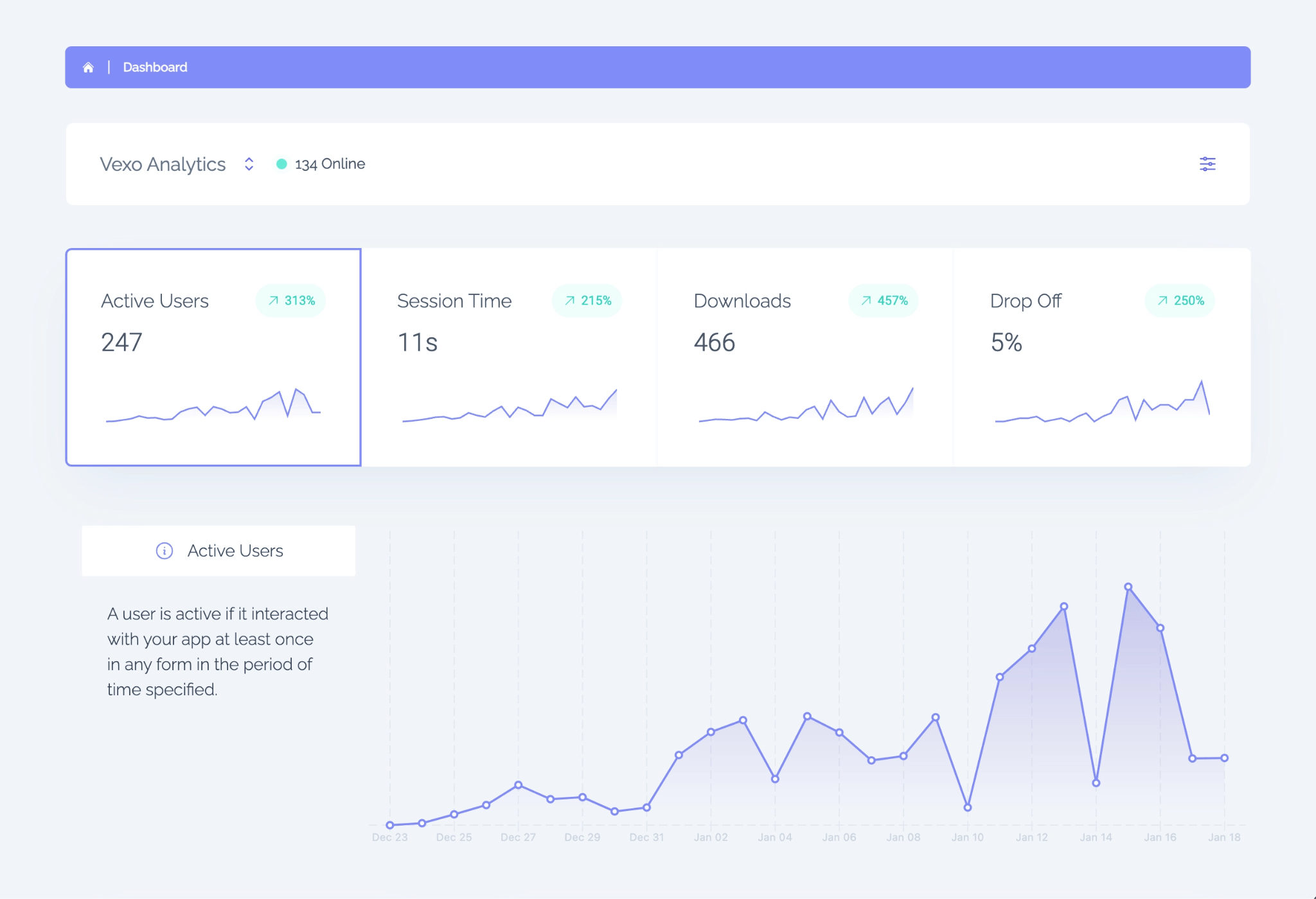
What are "Unreproducible" bugs in React Native and why do they happen?
Unreproducible bugs, often called Heisenbugs, are failures that vanish when you try to reproduce them locally. They typically result from a combination of UI State divergence, asynchronous timing, and environmental variance.
A common frustration among developers is when these bugs seem impossible to replicate despite repeated attempts. According to a recent study, teams using Session Replay have reduced their time-to-resolution (MTTR) by up to 40%, directly addressing these frustrating bugs.
Concrete causes of Heisenbugs
- State desynchronization between JS and Native (race conditions in 1-3% of UI flows)
- Device-specific timing differences, such as low memory GC spikes on older devices (commonly on devices with <2 GB RAM)
- Bridge serialization delays causing out-of-order setState calls
- Inconsistent Native module responses that surface in 10-20% of user sessions using uncommon navigation paths
Why stack traces and logs often miss Heisenbugs
Stack traces capture call stacks at the moment of failure but do not capture transient UI State, recent user interactions, or timing jitter that caused the fault. Traditional debugging relies on logs, but this approach often misses the critical visual context needed for debugging Heisenbugs in React Native.
- Limited coverage: Logs and stack traces only cover a small fraction of state variables, typically just 5-15%, the ones developers explicitly log
- Missed context: This leaves 85-95% of ephemeral UI State invisible, which can be crucial in replicating issues
- Micro-timings: Heisenbugs often depend on sub-100ms event ordering differences and race windows under 200ms that change behavior without affecting the stack trace
By relying solely on logs and stack traces, developers are left in the dark, unable to visualize what exactly happened before the crash, leading to inefficiencies and prolonged debugging efforts.
A single Session Replay shows the exact sequence of UI interactions and state changes before a crash.
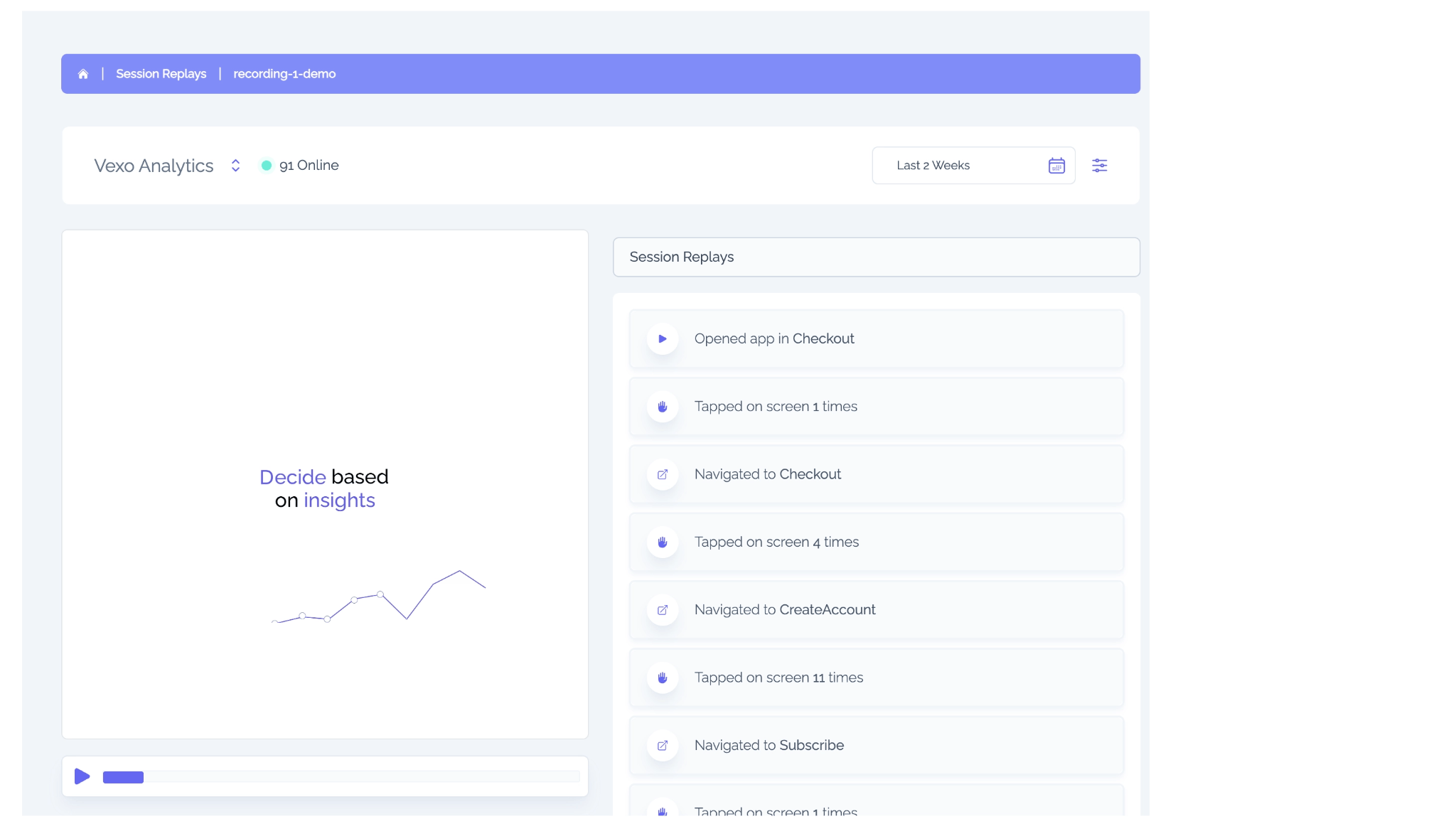
Session Replay vs. Logs: What you actually get
Logs and stack traces provide static artifacts, while Session Replay offers a deterministic Replay of the user's UI, events, and error occurrence. That visual timeline turns guesswork into exact reproduction steps.
| Signal | Logs / Stack Trace | Session Replay |
|---|---|---|
| UI State | Partial: developer-instrumented keys (5-15% coverage) | Full: DOM/view snapshots + props at error time |
| User input | Event timestamps (no visual order) | Recorded gestures, text, navigation sequence |
| Timing context | Log timestamps only | Millisecond-ordered event stream with Replay |
In practice, teams using Replay convert a non-deterministic bug into a deterministic sequence: one recording replaces 10-20 speculative local runs.
Benefits of Session Replay in mobile debugging
Session Replay is a game-changer for debugging React Native apps, offering real-time insights into user interactions and app behavior. Below are the top benefits that make Vexo's Session Replay a must-have for mobile teams:
- Exact bug reproduction: Instead of guessing, see the exact sequence of user actions leading to the error
- Faster debugging: Reduce your time-to-resolution (MTTR) by up to 40%
- Better context: With full UI snapshots, user input events, and navigation stacks, you get the full picture
- Seamless integration: Vexo integrates smoothly into your existing React Native setup with zero effort
- Privacy-first: Mask sensitive information to ensure data security without sacrificing debugging quality
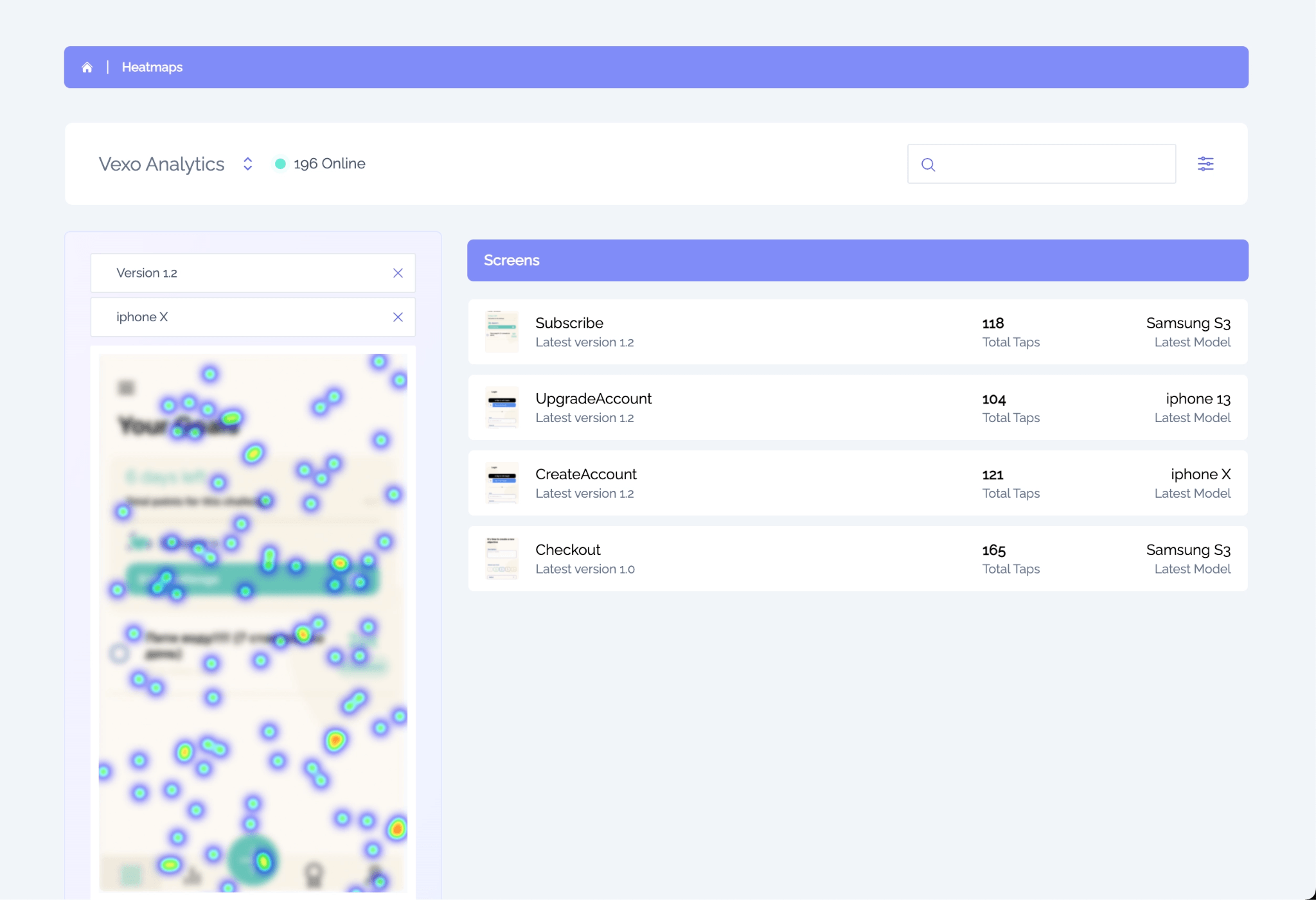
Heatmaps reveal interaction patterns that help teams understand user behavior beyond crashes.
How Session Replay provides actionable context for React Native crashes
Session Replay records the visual UI State, input events, and the moment the error fires. This creates a timeline that you can step through at 10-60x speed to find the exact interaction that triggered the bug.
Key actionable items captured:
- Current props/state for visual components
- Navigation stack snapshot
- The last 30-120 seconds of user input
These provide at least two verifiable data points per incident: UI values at error time and the immediately preceding user action.
When combined with stack traces, Replay reduces ambiguity: developers can map a stack trace to a visual sequence and reproduce the faulty state in a simulator within 5-20 minutes instead of hours.
For integration guidance and a React Native-focused workflow, see Session Replay for React Native debugging, which documents instrumentation and Replay playback for RN apps.
Direct impact on MTTR for small mobile teams
Small teams (1-8 engineers) are most sensitive to MTTR: every hour spent guessing scales linearly with team size. Case patterns show MTTR improvements from 4-12 hours down to 30-90 minutes after adding Session Replay.
Operational metrics to expect:
- Fewer hotfix releases (reduction by 25-60%)
- Faster triage: median time-to-triage drops from 2 days to 1-3 hours when Replay is available at crash time
These gains come from two effects:
- Lower reproduction overhead per incident
- Higher first-pass fix accuracy, which reduces rework and rollback frequency for production deployments
Practical steps to integrate Session Replay into a React Native debugging workflow
Integrating Session Replay into your React Native workflow is quick and easy. Follow these simple steps:
- Instrument: Add hooks to capture the necessary events
- Capture: Start recording user sessions automatically
- Replay: Review the session and identify the root cause
- Reproduce: Fix the bug confidently with the exact reproduction steps
Vexo integrates seamlessly into your existing project in just 10-30 minutes for basic instrumentation. Add 3-6 hooks for comprehensive session tracking.
Recommended implementation checklist:
- Enable Replay sampling at a rate aligned with the quota (start at 1-5% of sessions)
- Capture navigation stack and component props on route change
- Attach Replay to crash/exception reports automatically
Expected resource usage: disk and bandwidth increase of 2-8% when sampled at 5% of sessions; retention policies typically keep Replays 7-30 days depending on compliance needs.
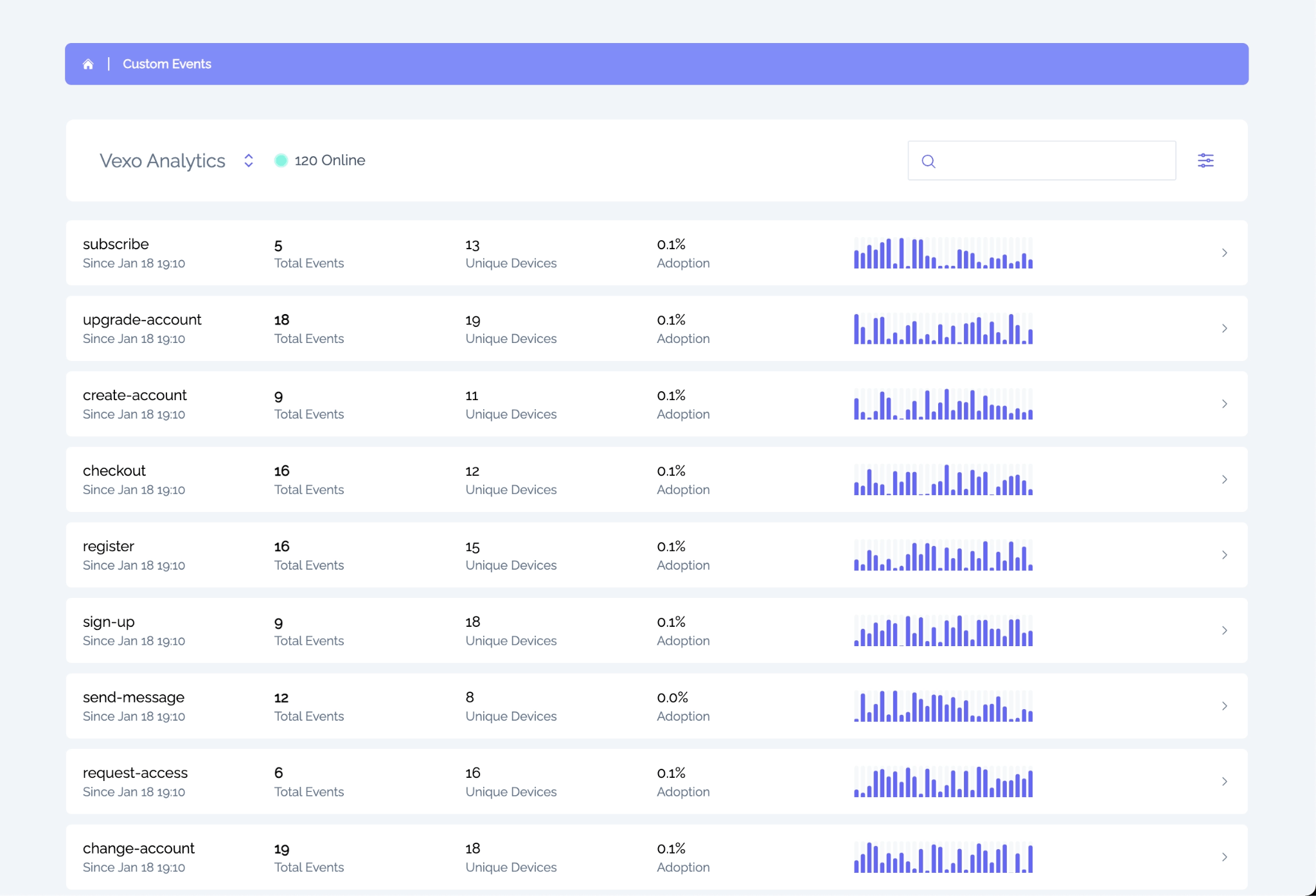
Custom events and dashboards let teams correlate crashes with real product actions.
Concrete example: Reproduce a timing race in 15 minutes
Scenario: intermittent crash when quickly toggling a feature flag during navigation. With logs only, a developer ran the app 12 times over 3 hours and couldn't reproduce it. With a single Session Replay recording, the team identified a 120 ms window where setState and the Native module response overlapped and reproduced it locally in 15 minutes.
Outcome metrics from that fix:
- One release was prevented
- Estimated 3 customer-impact incidents were avoided
- 6 hours of developer time saved
Get started with Vexo and start reducing your MTTR today
Stop guessing and start debugging with precision. With Vexo's Session Replay, you'll be able to reduce your MTTR and eliminate the uncertainty of Heisenbugs in your React Native apps.
Start with Vexo today and experience how easy it is to debug mobile crashes with visual context and actionable insights. Get started with a free trial now and see the difference in your debugging workflow.
What to take into your workflow
Stop investing cycles in guessing. Prioritize signals that restore context: UI State, ordered user events, and the error timeline.
Small teams should adopt a low-overhead Replay sampling strategy, tie Replays to error reports, and measure MTTR before/after integration. Seeing the user's session converts speculative debugging into deterministic reproduction and fixes.
Frequently Asked Questions
Can Session Replay capture sensitive user input?
Yes. Session Replay systems prioritize data privacy by masking personally identifiable information (PII) by default. For compliance, they offer field-level exclusion, allowing you to redact sensitive text fields (e.g., passwords, credit card info). The typical setup ensures that only non-sensitive metadata and UI structure are captured, making it a safe and secure solution for debugging without compromising user privacy.
Will Session Replay significantly increase app size or bandwidth?
No. When sampled at 1-5% of sessions, the impact on app size and bandwidth is minimal. Most teams report a 2-8% increase in bandwidth usage, which is usually well within acceptable limits for mobile apps. The effect on the app bundle size is negligible, meaning your users won't experience significant delays or data consumption. Additionally, retention policies allow you to manage storage effectively, ensuring efficient data handling.
How does Replay integrate with existing crash reporters?
Session Replay integrates seamlessly with your existing crash reporting systems. Replays are automatically attached to crash IDs or error events, allowing you to open a Replay directly from the crash detail page. This integration makes it easy to map stack traces to a visual session, providing a comprehensive debugging experience. This process helps eliminate ambiguity and allows you to see the precise sequence of events leading to the crash, drastically improving resolution times.
Is Replay safe for production on older devices?
Yes, Session Replay is designed to be safe for production use on older devices, including those with lower RAM. For devices with less than 2 GB RAM, we recommend adjusting the sampling rate to 0.5-2% to ensure the system remains lightweight and doesn't overload the device. With proper sampling and retention settings, even older devices can benefit from the insights provided by Replay, without negatively impacting performance or user experience.
How quickly will I see MTTR improvements after enabling Replay?
Teams typically see measurable MTTR improvements within the first week of implementing Session Replay. Specifically, triage time decreases by 24-72 hours, and median MTTR is reduced after 1-2 sprints. This happens because developers can quickly reproduce bugs with Session Replay, reducing the guesswork and eliminating unnecessary back-and-forth between team members. This leads to faster bug identification, more accurate fixes, and fewer iterations in production.
Questions or feedback? Reach out at hello@vexo.co or join our Discord.